Short answer: choose a fiber laser for metals, MOPA fiber when metal needs colour or deep black marks, a UV laser for plastics, glass and fine electronic or medical parts, and a CO₂ laser for wood, paper, leather and packaging. Then pick the power from mark depth and cycle time, and the format from how parts reach the machine.
This guide walks through those three decisions and gives recommended setups for the industries we are asked about most.
Step 1: Match the Laser Type to Your Material
Each laser source works at a different wavelength, and materials absorb wavelengths very differently. That is why one laser marks steel cleanly but does almost nothing on clear glass.
| Laser type | Wavelength | Marks well | Weak or unsuitable on | Typical marks |
|---|---|---|---|---|
| Fiber (Q-switched) | 1064 nm | Steel, stainless, aluminium, brass, titanium, plated and painted metals, some engineering plastics | Glass, transparent and many heat-sensitive plastics; copper is difficult | Engraving, annealing, coating removal |
| MOPA fiber | 1064 nm, adjustable pulse | Same as fiber, with finer control | Same as fiber | Colour on stainless and titanium, deep black on anodised aluminium |
| UV | 355 nm | Plastics, glass, ceramics, PCBs, films, coated surfaces | Deep engraving on bare metal | Fine, low-heat “cold” marks |
| Green | 532 nm | Copper, gold, silver, some transparent plastics | – | When standard fiber fails on reflective metals |
| CO₂ | 10.6 µm | Wood, paper, cardboard, leather, acrylic, rubber, glass etching | Bare metals | Surface marking, date codes, engraving organics |
Rule of thumb: metal → fiber; metal that needs colour or deep black → MOPA fiber; plastic, glass or very fine detail → UV; organics and packaging → CO₂. For a deeper wavelength comparison see UV vs fiber laser marking; for CO₂ fume safety see the CO₂ material and fume safety matrix.
HORISTAR marking range at a glance
HM-F fiber · 30 / 50 / 100 W
- Raycus or Max source, air-cooled
- Up to 7000 mm/s; marking depth up to 0.4 mm
- Min. line 0.1 mm, min. character 0.15 mm
- Fields 100 × 100 to 300 × 300 mm; 50 / 80 mm rotary option
HM-UV · 3 / 5 / 10 W
- Water-cooled UV source
- Min. line 0.01 mm, min. character 0.2 mm
- Plastics, glass, ceramics, PCBs
- Medical and electronic parts
HORISTAR also supplies CO₂ machines for non-metals. Need MOPA or green 532 nm? Ask our application team – we will recommend the right laser family for your part.
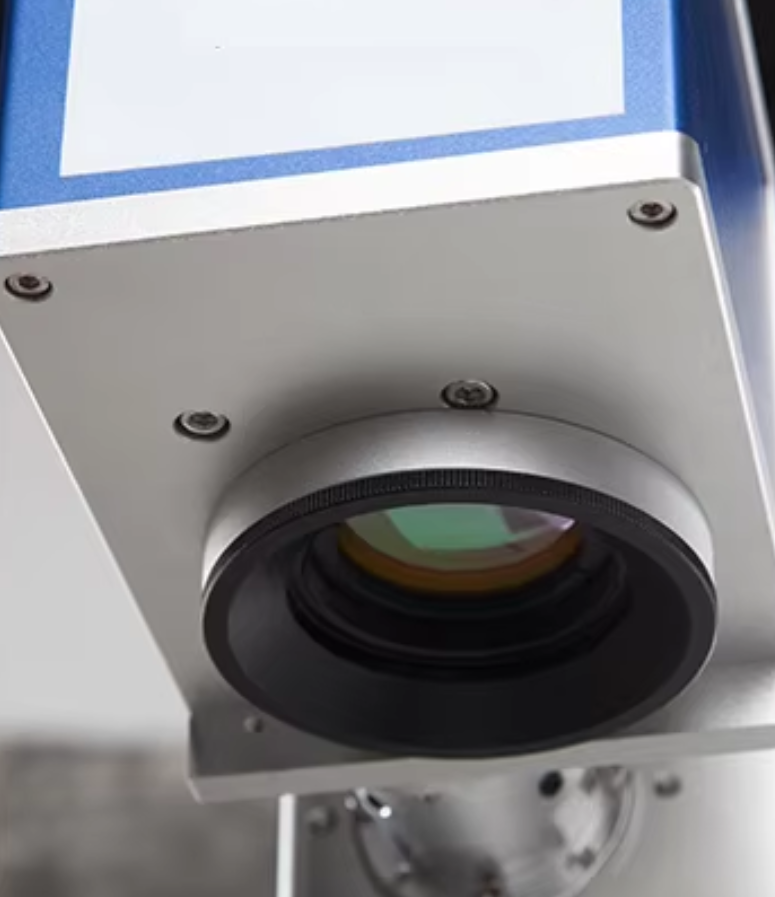
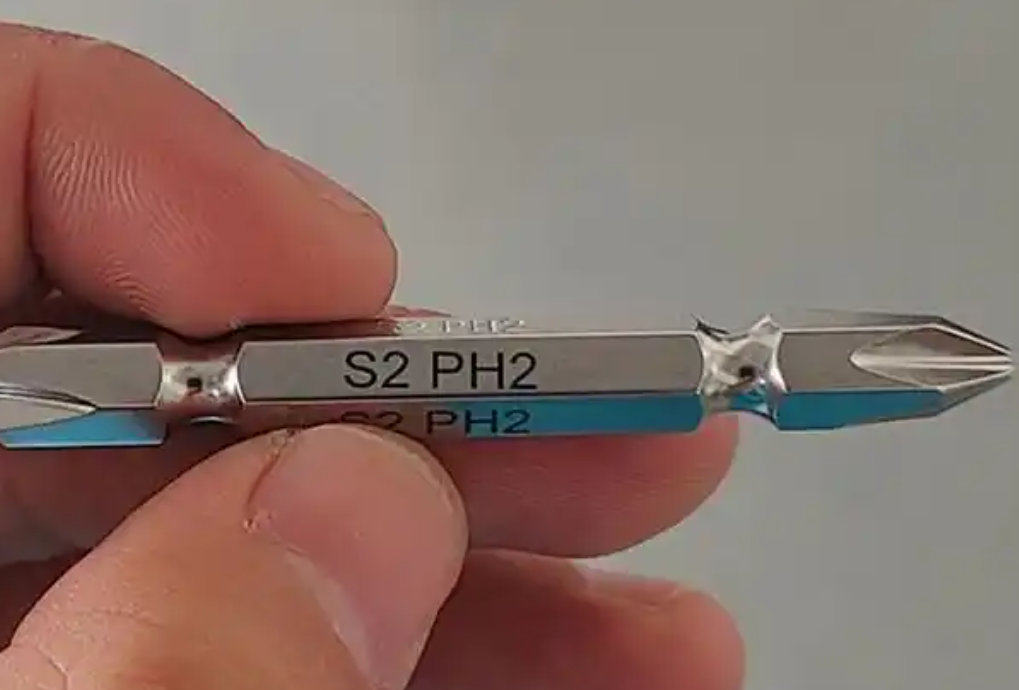
Step 2: Define the Mark the Part Needs
| Mark type | What it is | When you need it |
|---|---|---|
| Surface / ablation | Removes paint, coating or a thin surface layer | Logos and text on coated or anodised parts |
| Annealing | Heat creates an oxide layer – smooth, no material removed | Stainless medical and food parts |
| Engraving | Removes material at shallow depth | General ID, serial numbers |
| Deep engraving | Many passes build a deeper cavity | Marks that must survive blasting, painting or wear |
| Colour change (plastics) | Foams or darkens the polymer | Housings, keypads, cables |
Then ask: must the mark survive blasting, painting, heat treatment or sterilisation? Must it be machine-readable (Data Matrix or QR)? What cycle time can your line allow? Deeper marks and shorter cycles need more power – see 30W vs 50W vs 100W.
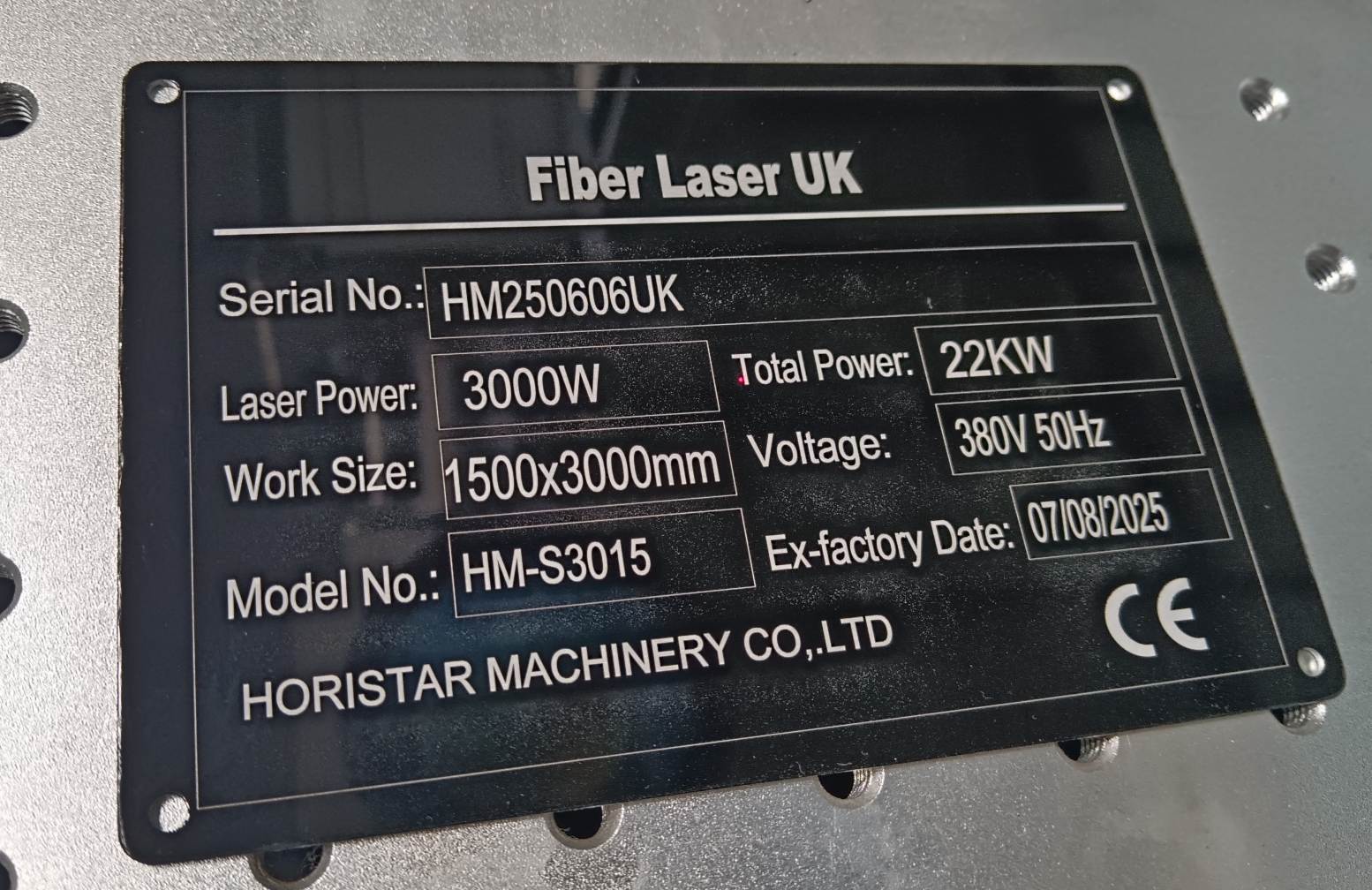
Step 3: Choose the Machine Format
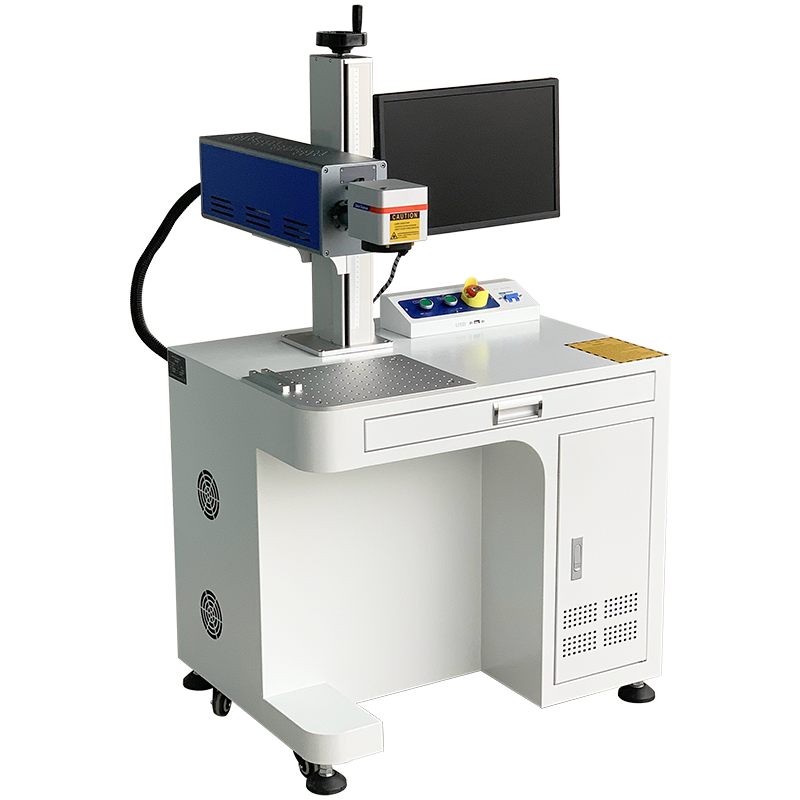
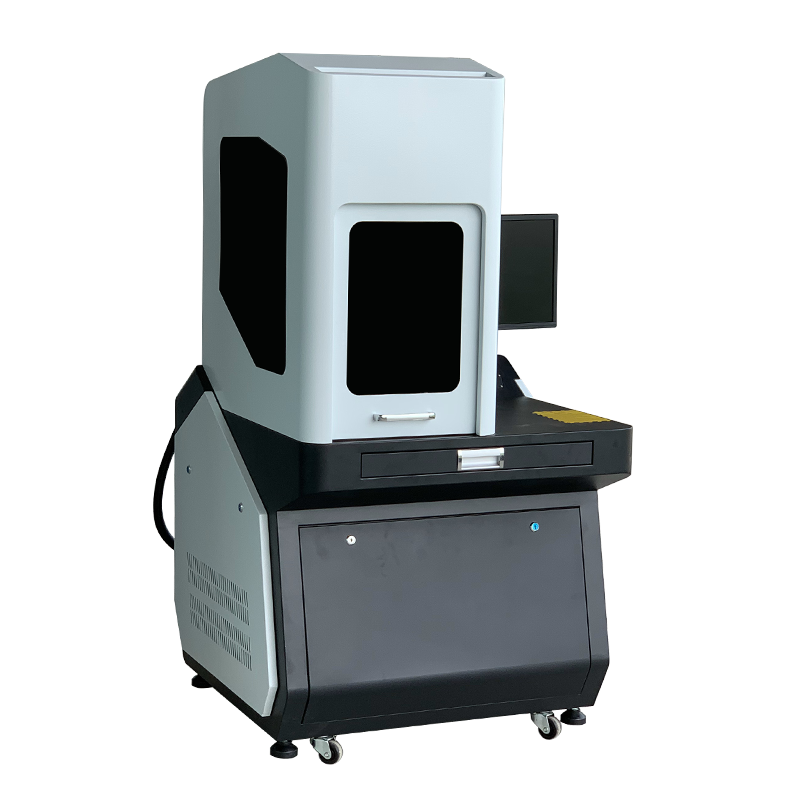
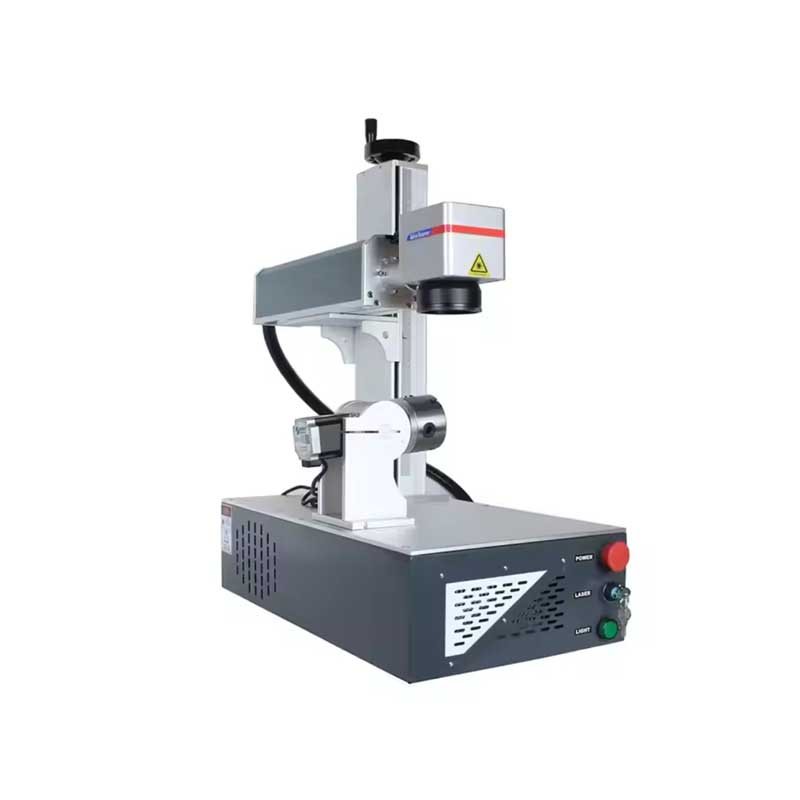
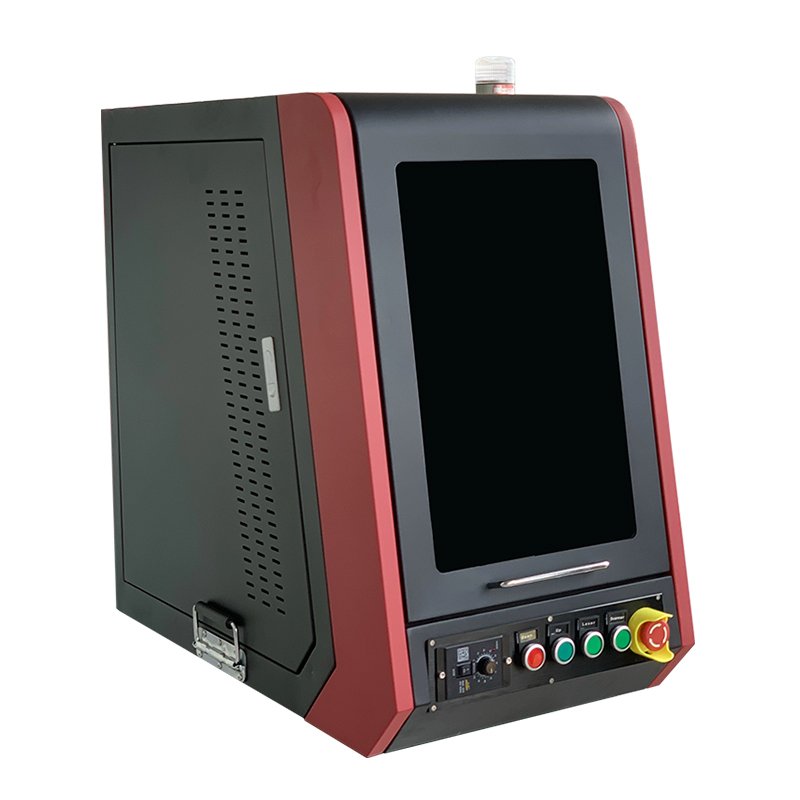
| Format | Best for | HORISTAR |
|---|---|---|
| Desktop | Workshops, job shops, general marking | ✓ |
| Semi-enclosed | Industrial environments needing dust protection and operator safety | ✓ |
| Mini | Small parts, limited space | ✓ |
| Mini closed (fully enclosed) | Laboratories, clean rooms, medical work | ✓ |
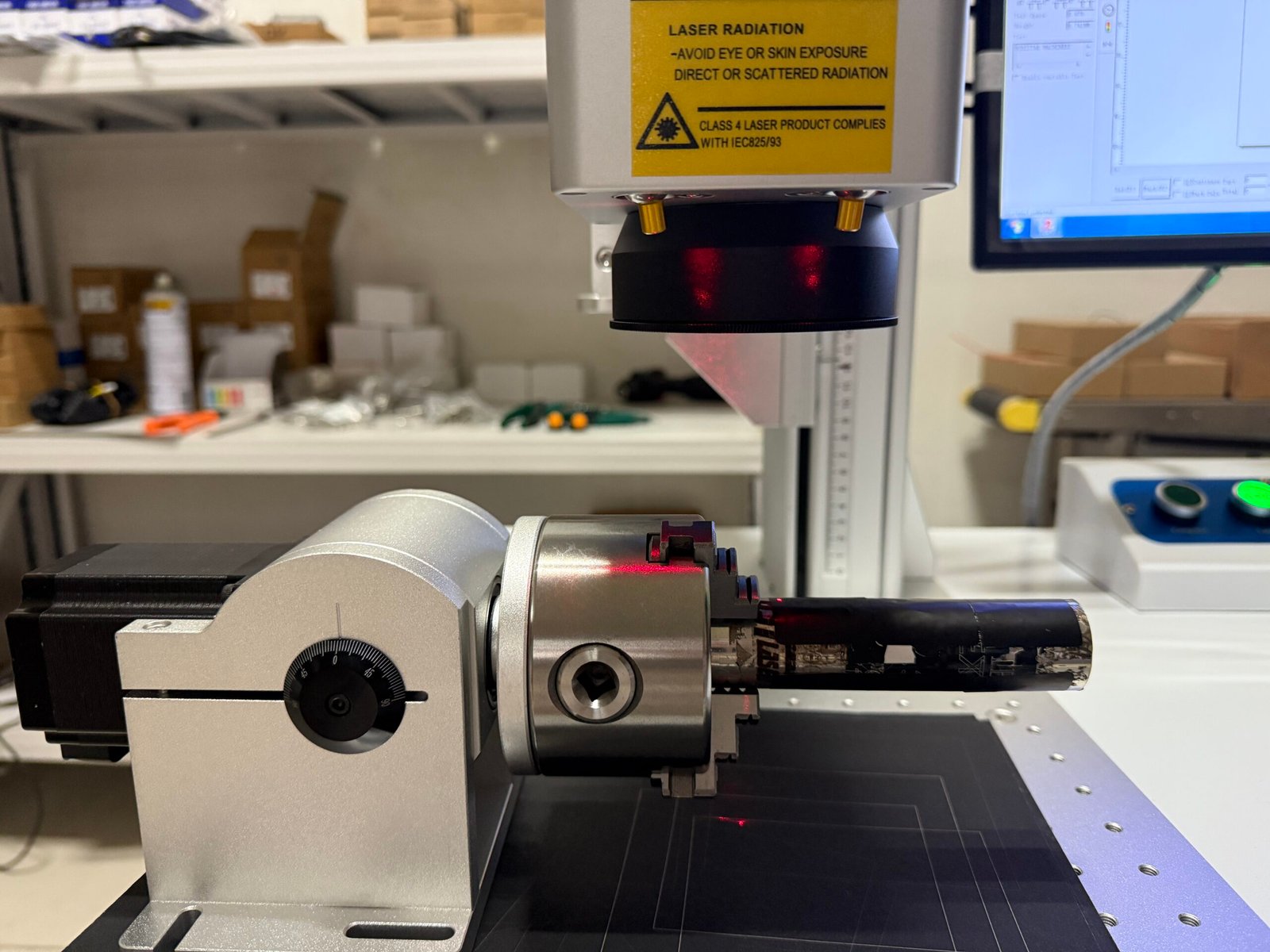
| Rotary axis add-on | Shafts, rings, tubes | ✓ (50 / 80 mm) |
| Handheld / portable | Large parts that cannot be moved | Ask us |
| Inline / integrated head | Automated lines, robot cells, PLC interface | Ask us |
| Flying marking | Continuously moving product | Ask us |
Safety: marking lasers are IEC 60825-1 Class 4 in open-beam configuration and can be Class 1 when fully enclosed. Plan for rated goggles, interlocks and fume extraction – especially for plastics, coatings and CO₂ work.
Recommended Setups by Industry
These are starting points, not final specifications. Always test-mark your own parts – two plastics with the same name can react very differently.
Tooling and mould making
Engraved part and cavity numbers on tool steel and carbide. Use a rotary axis for round tools; more passes beat one slow pass. Need more than about 0.4 mm depth? Discuss it with us first.
Automotive parts
Serial numbers and Data Matrix codes on castings, steel and plastics. Agree the minimum code grade (AIM DPM / ISO/IEC TR 29158) and plan a verification camera on production lines.
Oil & gas, valves, heavy equipment
Permanent IDs and heat numbers that survive coating and weather. Use a 300 × 300 mm field for large flat areas; engrave deeper or mark after coating to avoid paint fill.
Medical devices
UDI codes that survive cleaning and sterilisation. Annealed marks on stainless (MOPA for darker, smoother marks); UV for polymers and silicone. Validate marks through passivation.
Electronics and components
Small text and QR codes on PCBs, IC packages and housings. UV's low heat load protects nearby components; fiber for metal shields and terminals.
Packaging, food and beverage
Batch and date codes on paper, cardboard, labels and films. For moving lines, talk to us about flying-marking integration and line speed vs. field size.
Quick Decision Checklist
Answer these before you request a quote:
- What materials will you mark? (List all, including coatings and colours.)
- Surface mark, engraving or deep engraving? Target depth?
- Text only, or machine-readable codes? Required code grade?
- Smallest character height and largest marking area?
- Part size, weight and shape (flat, round, irregular)?
- Parts per hour or cycle-time target?
- Standalone, or integrated with a conveyor, robot or PLC?
- Must the mark survive coating, blasting, heat or sterilisation?
- Where do serial numbers come from – manual entry, Excel, MES or database?
FAQ
Which laser marking machine is best for metal?
A fiber laser. Choose MOPA fiber if you need colour marks on stainless steel or deep black marks on anodised aluminium.
Can one laser mark both metal and plastic?
A fiber laser marks most metals and some engineering plastics. For heat-sensitive, white or transparent plastics, glass and fine electronic parts, a UV laser gives cleaner results.
Can a CO2 laser mark metal?
Not bare metal in practice. It can mark painted or anodised surfaces by removing the coating, but a fiber laser is the normal choice for metal.
How much power do I need?
For surface marking of codes and text, 30 W is often enough; deeper engraving and shorter cycle times call for 50 W or 100 W.
Do fiber and UV marking machines need a chiller?
HORISTAR HM-F fiber markers are air-cooled, so no chiller is needed. HM-UV markers use water cooling.
Can HORISTAR test-mark my parts?
Yes. HORISTAR offers free sample testing on your own parts, with photos and videos of the results, before you choose a machine.
Send us a sample
The fastest way to choose is to test. Send your parts or drawings with the checklist above and we will recommend the laser type, power and machine format, with sample marks on your material.
View laser marking machinesRequest a free sample test