Fault records & service handoff
Slow Turret Indexing or a Clamp Alarm? A Fault Log for Service
Give service a complete fault record, not a guessed diagnosis.
Read the guide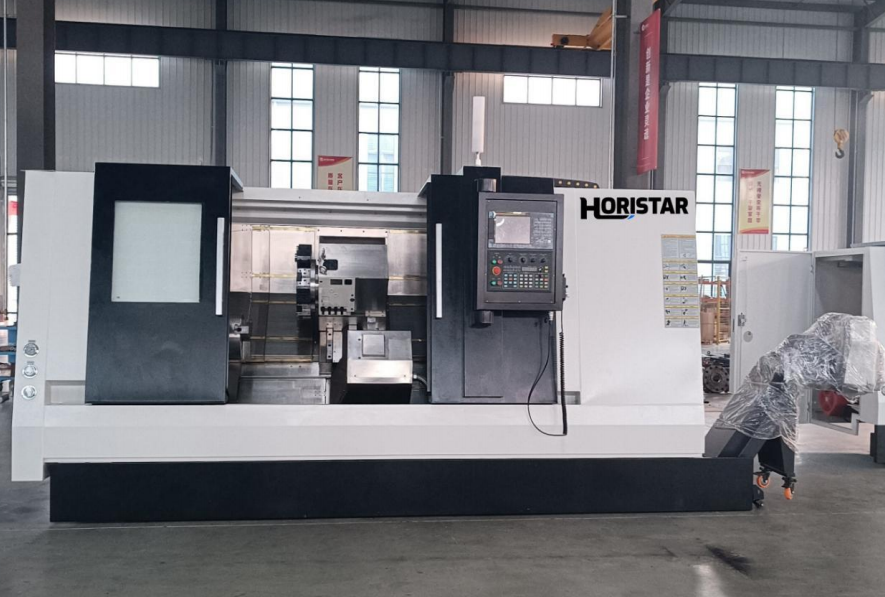
IdentifyMachine, turret and alarm
RecordLast normal sequence stage
HandoffEvidence and service closeout
A turret that takes too long to change tools can interrupt a production shift without giving a clear explanation. An alarm may mention clamping even though the first problem occurred during release or rotation. Replacing the component named in the alarm can therefore leave the original fault unresolved.
The useful first question is: which stage of the tool-change sequence stopped behaving normally? Record the commanded station, the last confirmed state and the conditions when the fault appeared. That gives the service team a starting point for distinguishing a supply problem, an obstruction, a positioning problem and an incorrect feedback signal.
The deliverable from this guide is a completed fault record for the service team, not a component diagnosis. It covers observation and service preparation for the installed turret, including assemblies with hydraulic locking. Pressure settings, recovery commands, sensor adjustments and disassembly procedures must come from the manual for that machine and turret.
For a purchasing decision, use the separate hydraulic versus servo turret operating-cost guide. Here, the question is narrower: what evidence will help a technician understand an indexing delay or missing clamp confirmation?
Identify the turret before interpreting the alarm
“Hydraulic turret” does not fully describe the mechanism. A turret may use an electric motor to index and hydraulic force to lock. SAUTER, for example, documents disc turrets with AC or servo drives and hydraulic locking, as well as an electromechanical locking design. The drive and locking systems should be identified separately. [1]
Record the machine model, serial number, turret identification plate, control version and any recent service work. Ask for the hydraulic diagram and the tool-change sequence description if they are missing from the documentation.
For a HORISTAR machine, the CNC lathe product page is a starting point for configuration discussions; the delivered machine's documentation remains the reference for repair work. A commercial label such as servo, power or hydraulic is insufficient to choose a troubleshooting procedure.
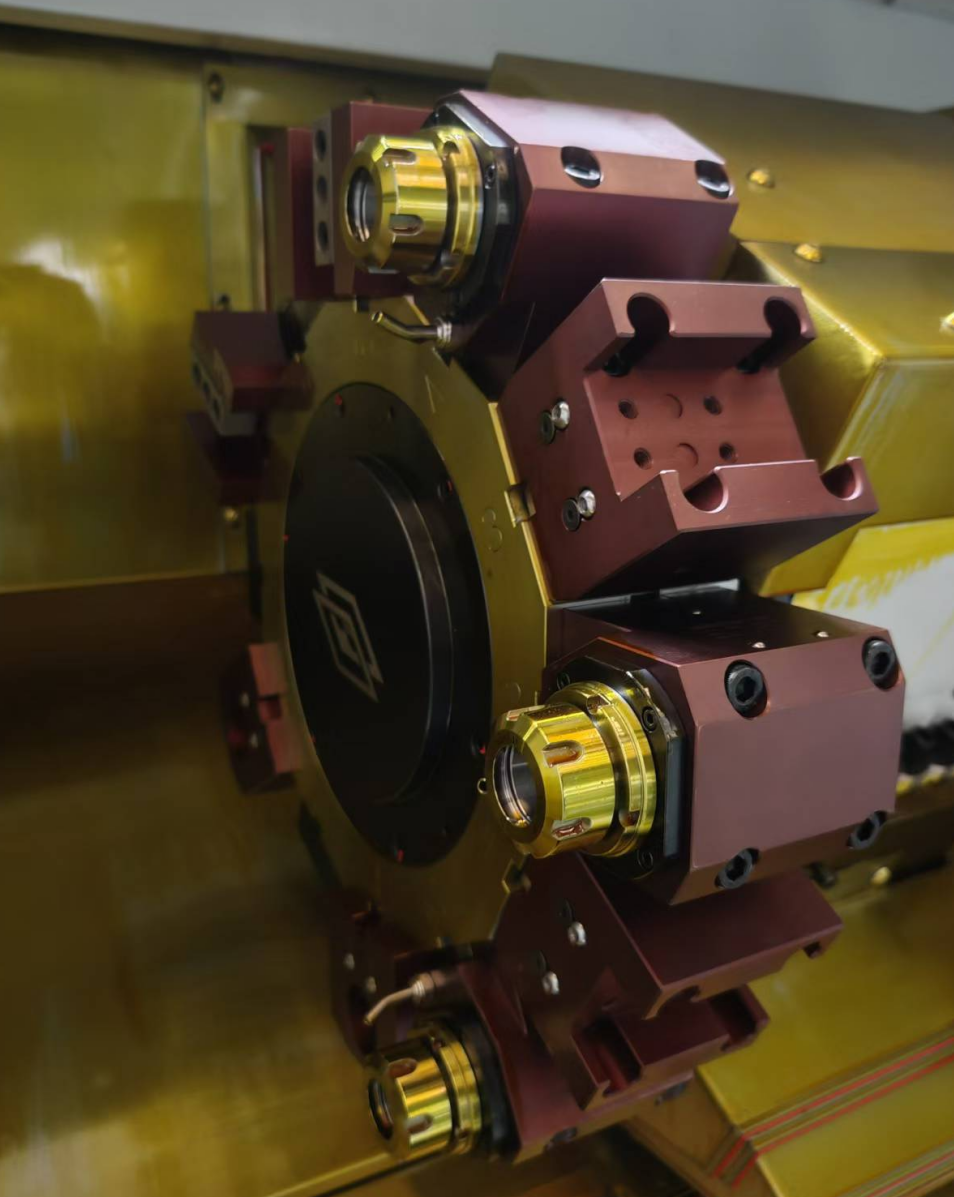
Turret and holder detail from the HORISTAR product page. The photo identifies the component area; hydraulic actuation and locking force cannot be established from appearance alone.
View the source product pageSeparate observation from maintenance
Operators can record alarms, approved diagnostic displays and visible conditions without entering the machine's hazardous area. Internal inspection belongs to trained personnel following the manufacturer's isolation and recovery procedure.
Do not bridge a clamp sensor, defeat an interlock, force the turret to rotate, loosen a pressurized connection or raise a relief setting to make an alarm disappear. Hydraulic circuits can retain energy after the machine stops. A stopped spindle or an emergency-stop button is not, by itself, confirmation that the equipment is safe to service. OSHA's hazardous-energy guidance explains the need to isolate and control stored energy during servicing. [2]
After a collision, unexpected movement, suspected loose locking or a significant leak, stop production and request service. Repeatedly resetting the alarm is not a diagnostic plan.
Divide the tool change into observable stages
Use the machine's documented sequence to identify the boundary between normal and abnormal behavior. The following is a recording framework, not a universal control sequence.
| Stage | Evidence to record | Question for service |
|---|---|---|
| Command and permission | Requested tool, active alarm, preceding operation | Was the change permitted, or was another condition still missing? |
| Release | Last clamp/unclamp status visible on the approved display | Was release confirmed before rotation was expected? |
| Index | Starting station, target station, direction and observed delay | Does the delay affect every move or particular transitions? |
| Seat and confirm | Whether rotation completed and which confirmation remained absent | Is the issue seating, locking or detection of the completed action? |
A screen input is evidence about a signal. It is not an independent measurement of mechanical locking force. Likewise, an apparently stationary turret is not proof of correct seating.
Manufacturer troubleshooting guides illustrate why this distinction matters: Haas lists separate possibilities involving supply, solenoid control, proximity feedback, obstruction and mechanical damage. Its published examples are specific to Haas turret designs; their alarm codes, air requirements and repair values should not be transferred to a different turret. [3]
Turn the symptom into a useful service question
The patterns below help organize an investigation. They do not establish a component diagnosis on their own.
| Observed pattern | Working question | Useful record |
|---|---|---|
| Slow after startup, improves later | Does the fault correlate with machine warm-up or fluid condition? | Time since startup, displayed temperature if available, alarm timing |
| Slow on every station change | Is a shared supply, permission or sequencing condition involved? | Several affected station transitions and the delayed stage |
| Slow only on one transition | Is there a position-specific clearance, load or feedback issue? | Exact start/target stations and installed holder arrangement |
| Rotation appears complete but clamping alarm remains | Has the mechanism seated, and does feedback agree? | Final position, alarm text and approved diagnostic-state record |
| Problem began after tooling changes | Did the assembled tool envelope or load change? | Before/after holder list, tool projection and setup photographs |
| Problem began after a collision or repair | Is mechanical alignment or the repair state unresolved? | Event history and technician's report; keep production stopped |
Avoid collapsing these records into “turret slow.” A precise description is more useful: “The same transition faults after rotation appears complete, with no preceding release alarm.” It narrows the question without claiming that a sensor or valve is definitely faulty.
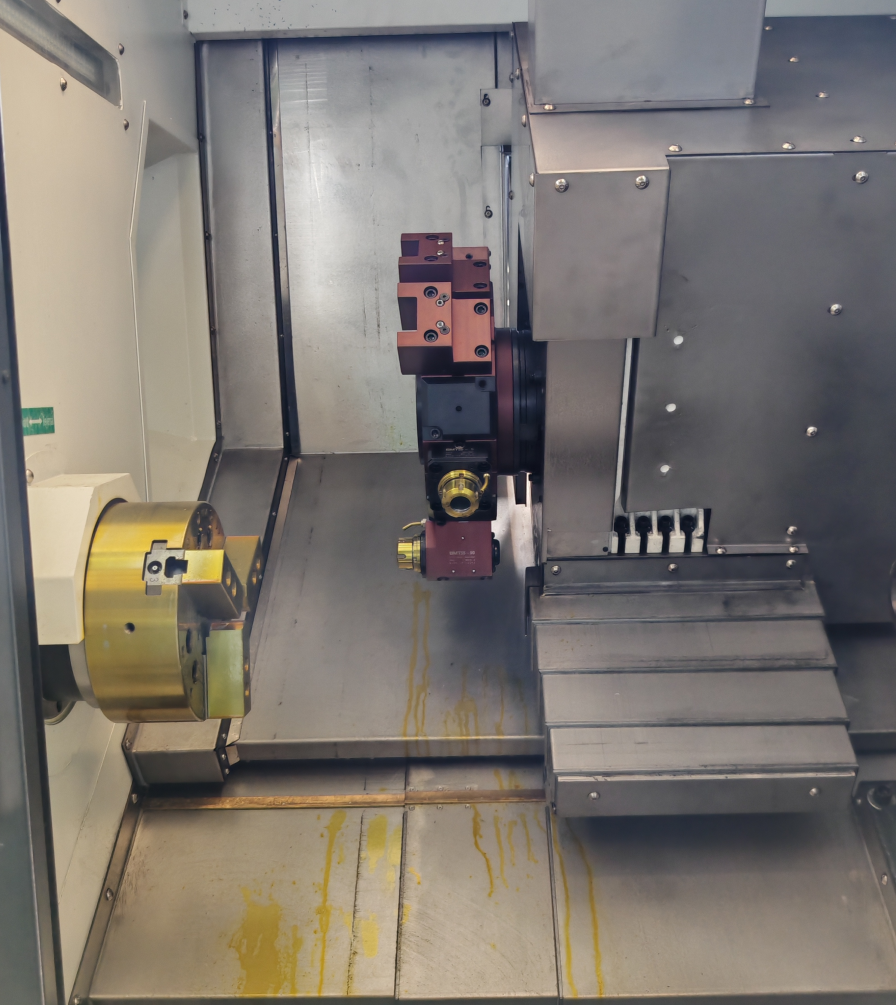
Chuck and turret inside a CNC lathe. Keep holder projections and workholding in the event record when a fault follows a setup change.
View the source product pageCompare conditions without changing several variables
Where the manufacturer authorizes a controlled diagnostic run, preserve the setup and record what changes between a normal and an abnormal event. Keep people outside the guarded working area and stop if the fault indicates unsafe movement or uncertain locking.
Do not change pressure, tool layout, delay settings and sensors together. If the machine then appears to work, nobody can identify which change mattered or whether an underlying problem remains.
A simple event sheet can contain:
| Field | What to enter |
|---|---|
| Machine and turret | Model, serial number, control/software version |
| Event | Date, time, exact alarm text and requested station |
| Operating state | Startup or established operation; preceding machining step |
| Sequence boundary | Last normal stage and first abnormal stage |
| Setup | Holder list, projections and recent changes |
| Visible readings | Only readings available through approved displays or installed gauges |
| Evidence | Safely recorded video, screenshots and relevant service history |
This worksheet is an editorial example. It is not a HORISTAR test report or a claimed customer case.
Send one complete handoff instead of separate messages
Copy the following fields into a service request. Use “not observed” or “not available” for missing evidence rather than filling gaps with assumptions. Keep the original alarm screenshot alongside any translated explanation.
| Handoff field | Entry to complete |
|---|---|
| Identification | Machine model / serial; turret model; control version |
| Exact event | Alarm text / code; date and time; requested transition |
| Sequence boundary | Last confirmed normal stage; first abnormal stage |
| Pattern | Every transition / particular transition / not yet established |
| Recent change | Tool setup, maintenance or event preceding the fault; otherwise unknown |
| Evidence attached | Alarm screenshot, approved display record, setup photograph, service history |
| Current condition | Production stopped; any leak, collision or unexpected movement reported |
| Request to service | Which approved checks are needed next, and who should perform them? |
An illustrative report could read: “During a commanded change from station A to station B, rotation appeared complete but the clamp confirmation remained absent on the approved display. The alarm screenshot and holder layout are attached. No pressure, timeout or sensor setting has been changed. Please identify the authorized next diagnostic step.” This is a writing example, not a customer case or proof of a particular failure.
Keep interpretations separate from observations. “Clamp input not shown” records evidence; “clamp sensor has failed” is a diagnosis that the evidence alone does not establish. Ask the service team to record its diagnosis separately after the prescribed checks.
If indexing and clamp confirmation are normal and the only symptom is part quality, use the separate turret repeatability and surface-finish guide. This event log is not an accuracy acceptance test. Conversely, satisfactory parts before an alarm do not justify continuing with an unresolved clamp fault.
Close the repair with a repeatable verification record
After qualified personnel complete the repair, ask for a record of the identified cause, work performed and verification method. The approved return-to-service plan should cover the affected stations and conditions, relevant safety functions and any alignment checks required by the manufacturer.
If a trial part is part of that plan, retain its drawing revision and measurement results. Agree the acceptance criteria before the trial. There is no universal pressure, cycle count or micron tolerance that proves every turret fit for production.
The record should answer one practical question: can the next shift recognize normal operation and identify a recurrence without guessing what changed?
| Closeout field | Evidence to retain |
|---|---|
| Diagnosed cause | Technician's finding, distinguished from the initial working question |
| Work completed | Parts or settings changed, with the applicable service procedure |
| Verification | Conditions and stations checked; results against the manufacturer's criteria |
| Production release | Responsible person's authorization and any remaining restrictions |
| Shift handoff | Normal indications to expect and the action to take if the symptom returns |
Frequently asked questions
What if I cannot tell which stage failed?
Record the commanded station, complete alarm text and the last state that was actually observed. Mark the remaining stages “not established.” Do not cycle the machine just to fill the log when locking or movement is uncertain; ask service for the approved next step.
Does a clamping alarm always mean low hydraulic pressure?
No. The control reports an incomplete condition, but the cause can involve the mechanism, a supply or control issue, obstruction or feedback. The exact alarm definition and diagnostic sequence are machine-specific. [3]
Should I increase the tool-change timeout?
Do not change it merely to suppress the alarm. A longer timeout can conceal a deteriorating condition. Any timing change should be justified and authorized by the machine manufacturer after diagnosis.
What should I send before requesting support?
Send the machine and turret identification, full alarm text, the affected station transition, the last normal sequence stage, recent changes and safely collected screenshots or video. Include the service history when the problem follows a collision or repair.
Request help with the installed configuration
Contact HORISTAR with the identification, completed event sheet and attachments above. State that the request concerns an installed machine, identify its current stopped condition and ask who should carry out the next approved check.
References
- SAUTER — Disc-type turrets. Supports the distinction between indexing drive and locking actuation.
- OSHA — Control of Hazardous Energy. General servicing and stored-energy context; local requirements and the machine procedure also apply.
- Haas — BMT65/75 Turret Indexer Assembly Troubleshooting, TG0037. Manufacturer-specific examples of distinct fault categories; not a hydraulic-turret repair procedure for HORISTAR.